OFFPAD Device Manager for Mac
The OFFPAD Device Manager for Mac enables Bluetooth Low Energy (BLE) support for macOS.
Requirements
macOS Sequoia or newer
The App Store release is pending approval. Until then, you can download the app directly below.
| Release date | Version | SHA‑256 checksum | Download |
|---|---|---|---|
| 2026‑04‑05 | 1.3 | 12402034e518e381d9f32cb85c7e01d26b27bda5b3c5c83072eecbe1d030410f | Download |
Installation
- Uninstall any previous version of the app (e.g., from TestFlight)
- Unzip the downloaded archive
- Run OFFPAD Device Manager
- (Optional) Move the app to your Applications folder
macOS may verify the app on first launch. This is normal for notarized apps.
Setup
After installation, follow these steps to add an OFFPAD+ to your Mac.
1. Open the app
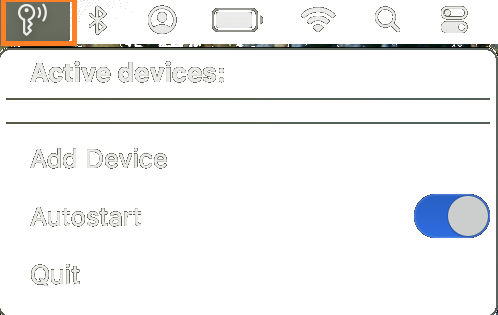
Click the key icon in the macOS menu bar to display the main page.
note
Make sure to enable Autostart so the app runs automatically after login.
2. Add your device
Click Add Device and follow the instructions to pair a new OFFPAD+ with your Mac.
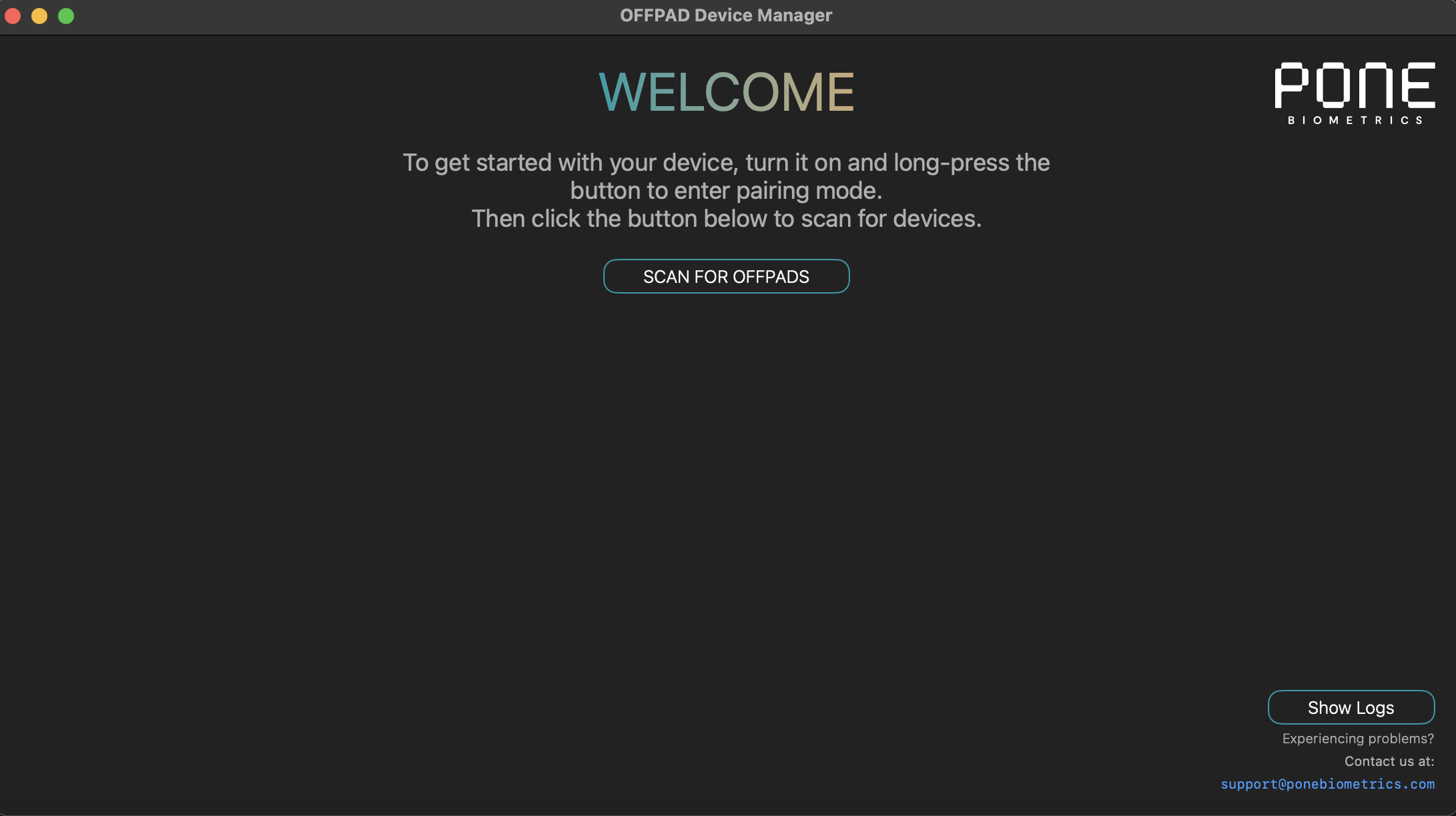
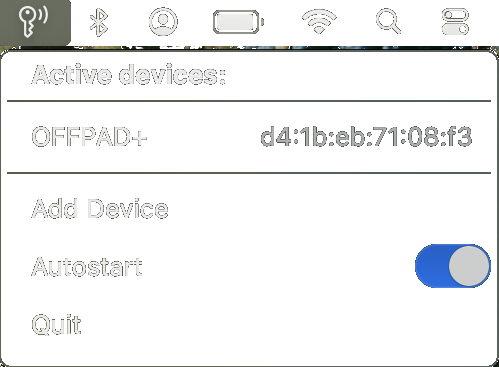
When pairing is successful, the device will appear under Active devices and is ready for use.
Removing an OFFPAD+
To remove an OFFPAD+ from your Mac:
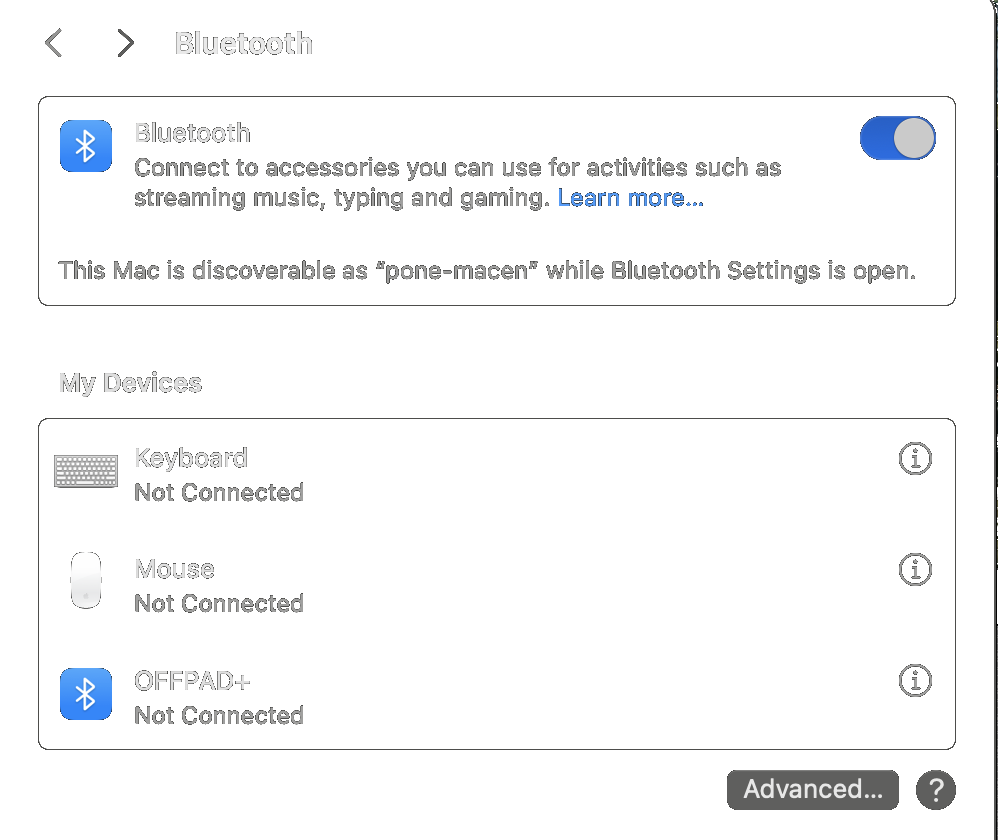
- Open System Settings → Bluetooth
- Click the i icon next to the OFFPAD+
- Select Forget This Device